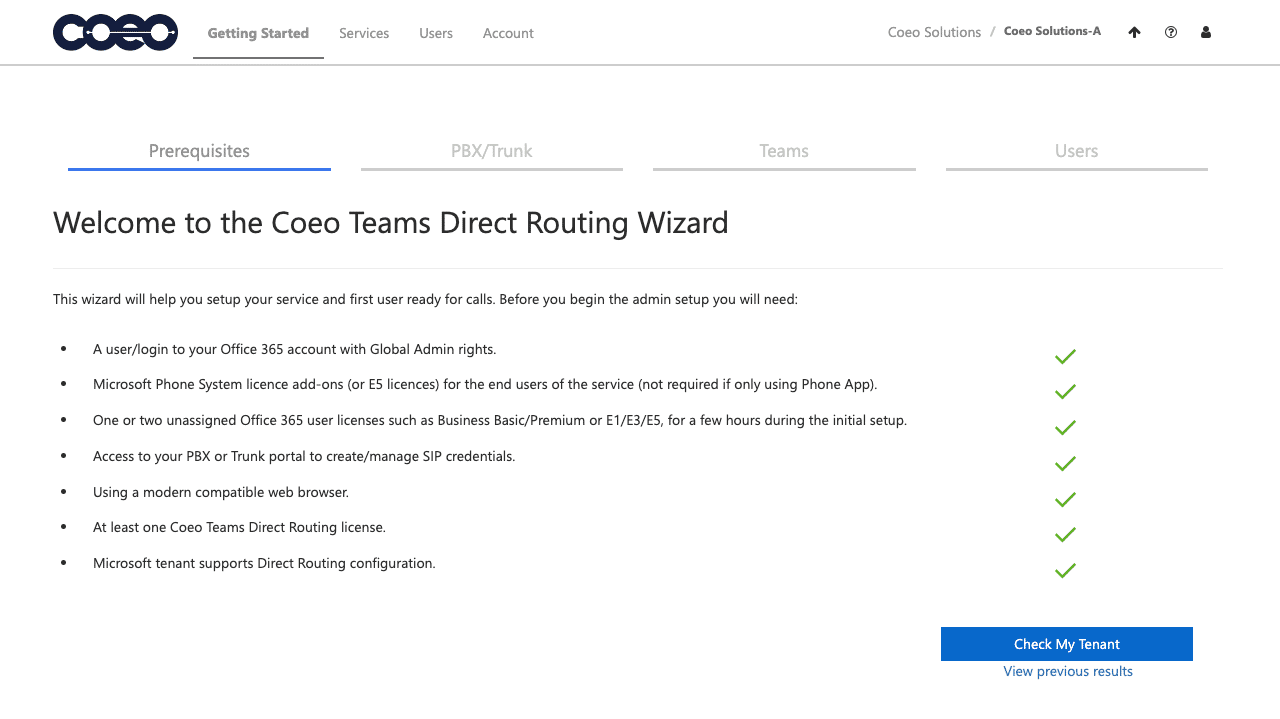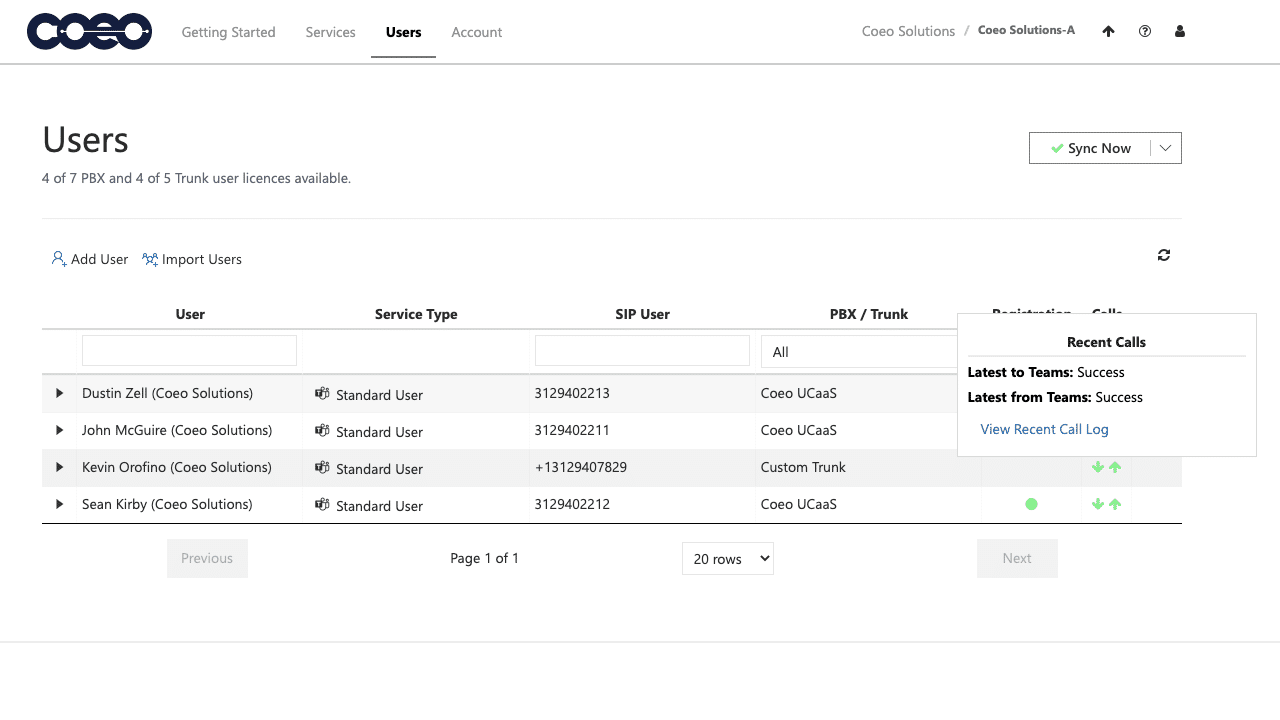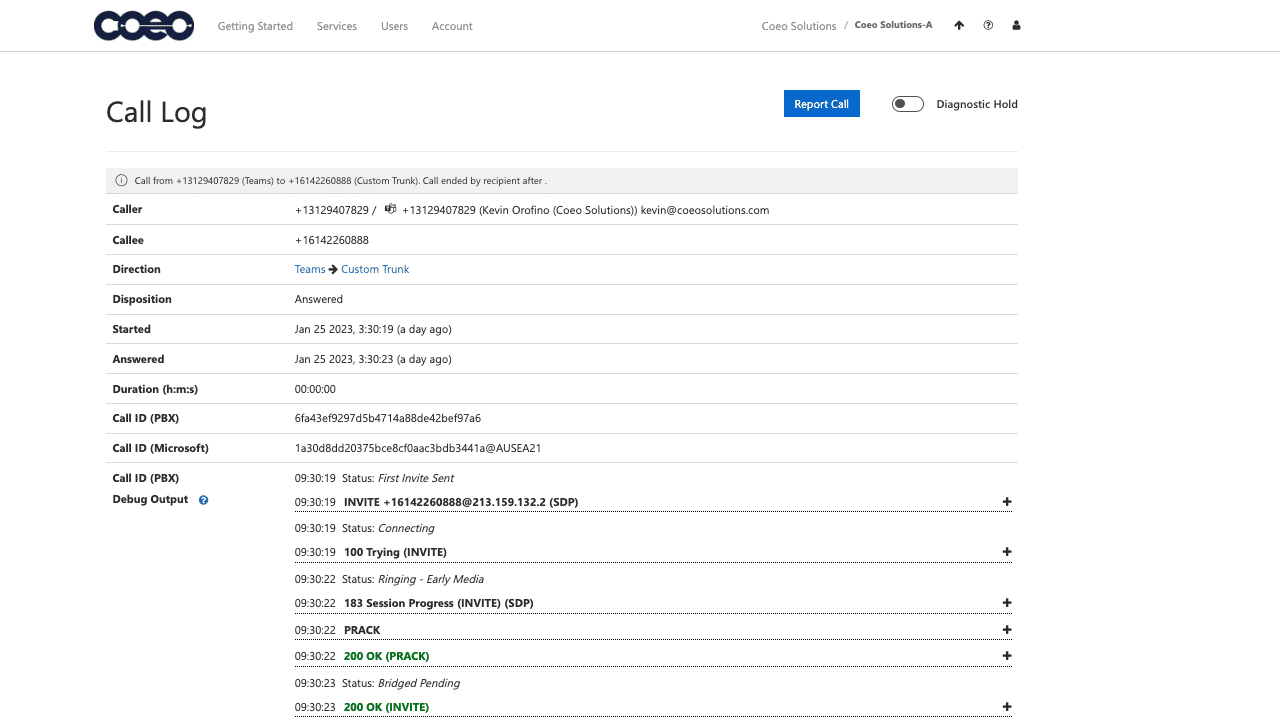

Connect with Customers

Streamline Collaboration

Drive Productivity
What Are Custom Integrations?
Your business relies on multiple applications to serve customers, collaborate internally, and drive productivity. COEO's custom integrations connect your communications platform with the tools your team uses every day, including Microsoft Teams, Outlook, CRM platforms, calendars, browsers, mobile devices, and business hardware.
By integrating voice, messaging, collaboration, and customer data into a unified experience, COEO helps organizations reduce manual work, improve response times, and deliver exceptional customer experiences.
Key Benefits of COEO Integrations
- Eliminate application switching
- Improve employee productivity
- Enhance customer interactions
- Accelerate response and resolution times
- Centralize communications across platforms
- Automate contact management and call tracking
- Enable seamless collaboration from anywhere

Integrate Your Phone System with Your CRM
COEO integrates with leading CRM platforms to provide a complete view of customer interactions before, during, and after every conversation.
When a call comes in, employees can instantly access customer information, call history, notes, and account details without leaving their CRM. Automated call logging and contact synchronization reduce administrative work and improve data accuracy.
CRM Integration Features
- Screen pop-ups for inbound calls
- Click-to-call functionality
- Automatic call logging
- Contact synchronization
- Activity tracking and call notes
- Follow-up task creation
- Customer history visibility
Supported CRM Platforms
- Salesforce
- HubSpot
- Microsoft Dynamics 365
- Zoho CRM
- Zendesk
- SugarCRM
- Bullhorn
- NetSuite
- ConnectWise
- Pipedrive
- SuiteCRM
- DealCloud
- Vtiger
- Custom CRM Integrations

Extend Microsoft Teams with Enterprise Voice Capabilities
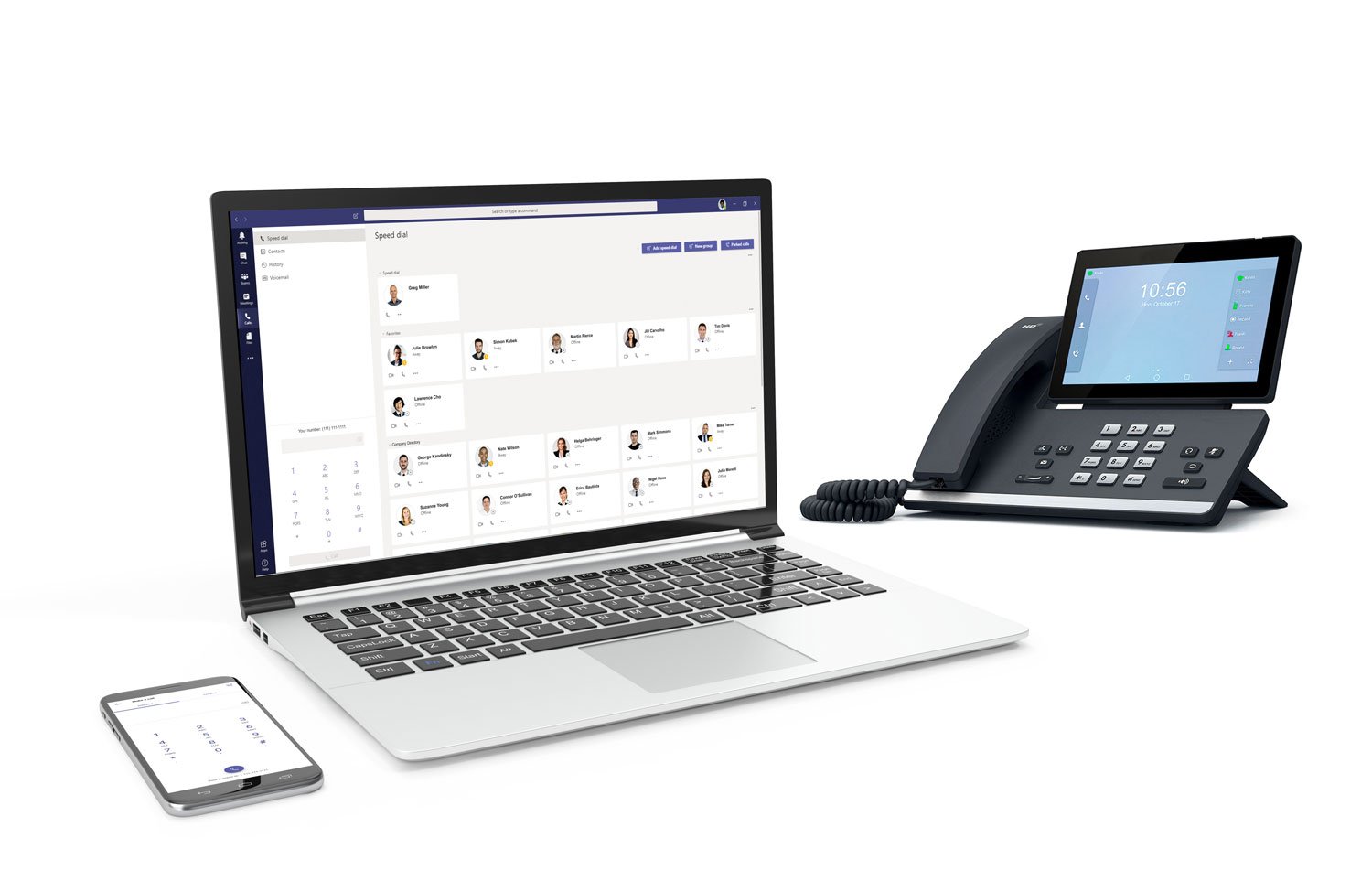
COEO’s Microsoft Teams Enhanced Integration combines the collaboration power of Teams with enterprise-grade business calling.
Employees can place and receive calls directly within Microsoft Teams while maintaining connectivity with desk phones, conference phones, analog devices, and other communication endpoints across the organization.
Benefits of COEO Microsoft Teams Integration
- Make and receive business calls directly in Teams
- Centralize communications across the organization
- Connect Teams users with traditional phone systems
- Support hybrid and remote work environments
- Improve collaboration and accessibility
- Simplify business communications management
Communicate Faster with Outlook Integration
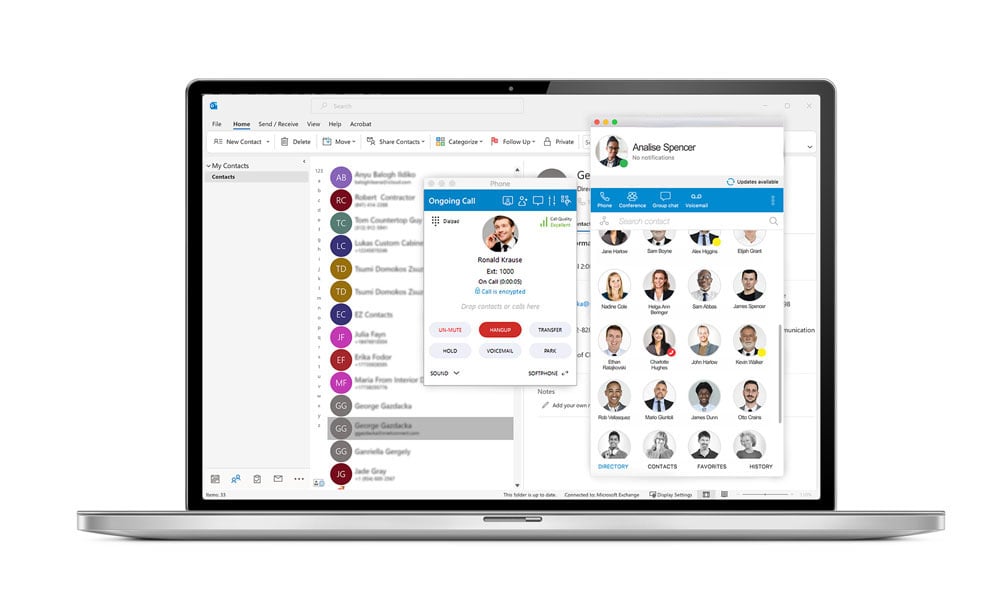
COEO integrates with Microsoft Outlook and Exchange to simplify contact management and accelerate communication workflows.
Users can launch calls directly from Outlook contacts, view caller information during incoming calls, and synchronize contacts automatically.
Outlook Integration Features
- Click-to-dial from Outlook
- Exchange contact synchronization
- Caller information screen pop-ups
- Automatic contact updates
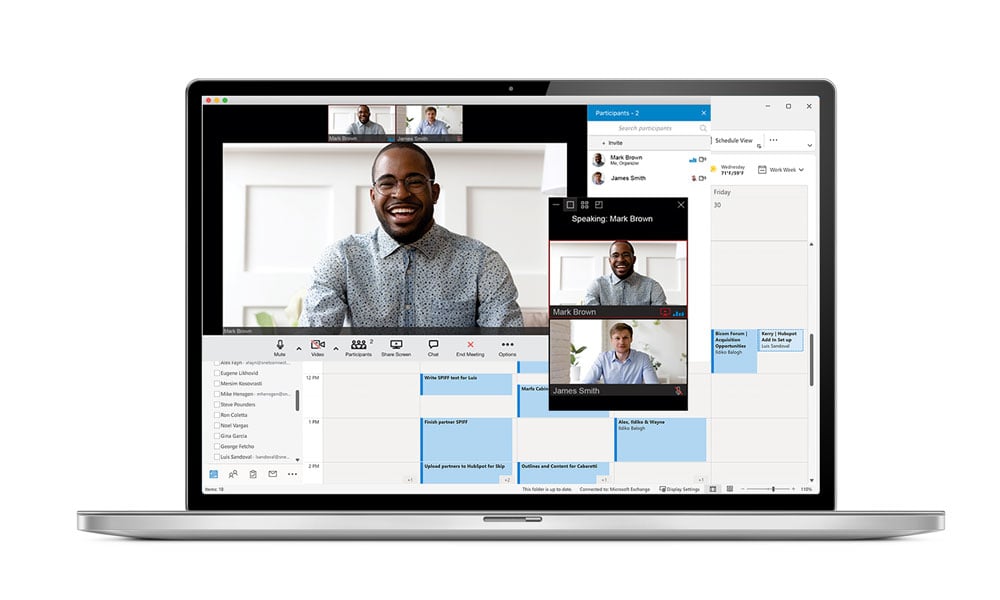
- Outlook calendar integration
- Presence and availability synchronization
Keep Your Team Focused & Efficient
COEO offers productivity-enhancing integrations designed to simplify workflows and minimize interruptions.
Browser Click-to-Dial
Convert any phone number displayed in a browser into a clickable link that launches a call instantly.
Supported browsers include:
- Microsoft Edge
- Google Chrome
- Firefox
- Safari
- Microsoft Outlook Calendar
- Google Calendar
- Apple Calendar
Calendar Integrations
Keep schedules synchronized by integrating with:
Automatically add meetings, maintain accurate availability status, and improve scheduling efficiency.
Email Client Integrations
Send emails directly from the COEO desktop application or launch messages through your preferred email platform.
Mobile Contact Integration
Access business contacts directly from your mobile device and place calls through COEO using a seamless mobile experience.
Optimize Communications Across Devices
COEO integrates with business-critical hardware to create a fully connected communications environment.
Supported Hardware Integrations:
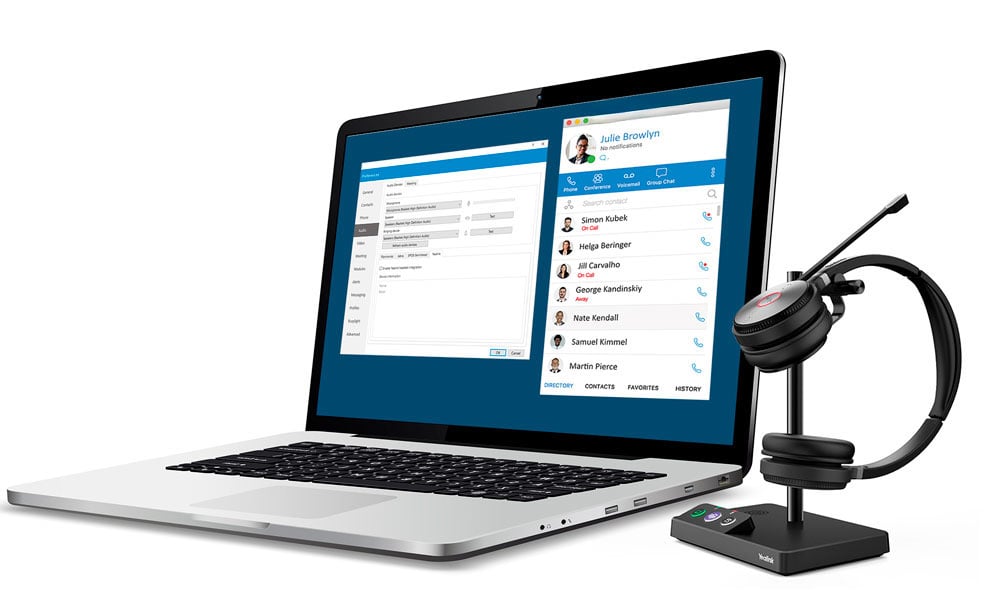
Yealink Headsets
Control calls using headset buttons to answer, hold, transfer, and manage calls more efficiently.
Kuando Busylight
Automate status visibility for employees and reduce workplace interruptions.
IP Camera Integration
Display live IP camera feeds to support security teams and improve facility monitoring.
Connect with COEO in 3 Easy Steps
Every organization's communications strategy is different. COEO is your trusted technology partner to help you get the most from your Microsoft Teams environment, providing solutions backed by expert guidance, dedicated service, and carrier-grade reliability.
Connect with COEO
Get in touch with our expert team to discuss your current workflows.

Design Your Integration
We'll create a custom integration strategy around your goals.

Upgrade Your Operations
We'll provide fully managed implementation and ongoing support.
Ready to Upgrade Your Workflows?
COEO delivers more than cloud phone systems and business technology. We provide fully managed communications solutions that integrate with the platforms, applications, and devices businesses already rely on.
Connect with COEO to get a fully managed, complete technology stack engineered around your business objectives.

What our customers are saying